
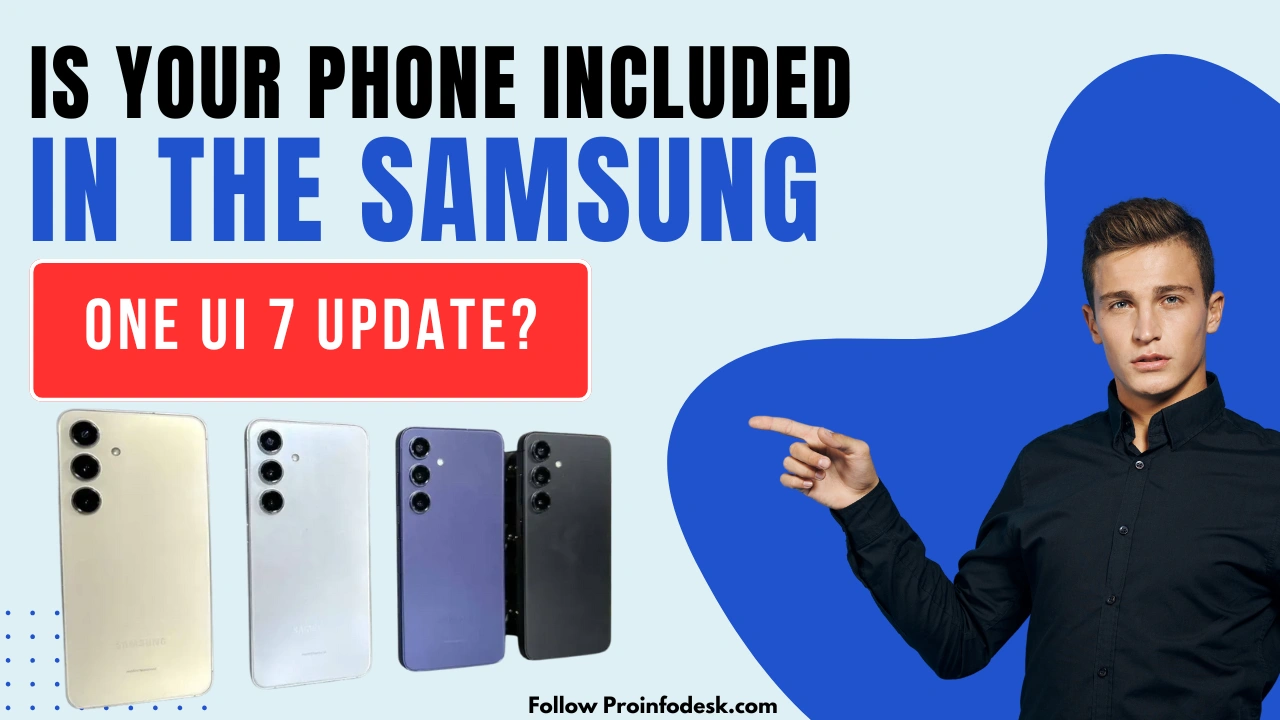
Samsung One UI 7, built upon Android 15, is set to bring a host of new features and improvements to a wide range of Galaxy devices. This update focuses on enhancing user experience, performance, and security. In this article, we’ll explore the key features of One UI 7 and provide a comprehensive list of Samsung devices eligible for this update.
Key Features of One UI 7
- Revamped User Interface: One UI 7 introduces a more intuitive and visually appealing design, with redesigned icons, enhanced animations, and improved system-wide theming options.
- Enhanced Privacy Controls: The update offers advanced privacy settings, giving users greater control over app permissions and data access.
- Improved Performance: Optimizations under the hood lead to faster app launches, smoother multitasking, and better overall system responsiveness.
- Advanced AI Integration: Samsung has integrated more AI-driven features to personalize the user experience, such as adaptive battery management and intelligent app suggestions.
- Expanded Customization Options: Users can now customize their devices more extensively, including new lock screen widgets, updated Always-On Display options, and enhanced home screen layouts.
Eligible Devices for One UI 7 Update
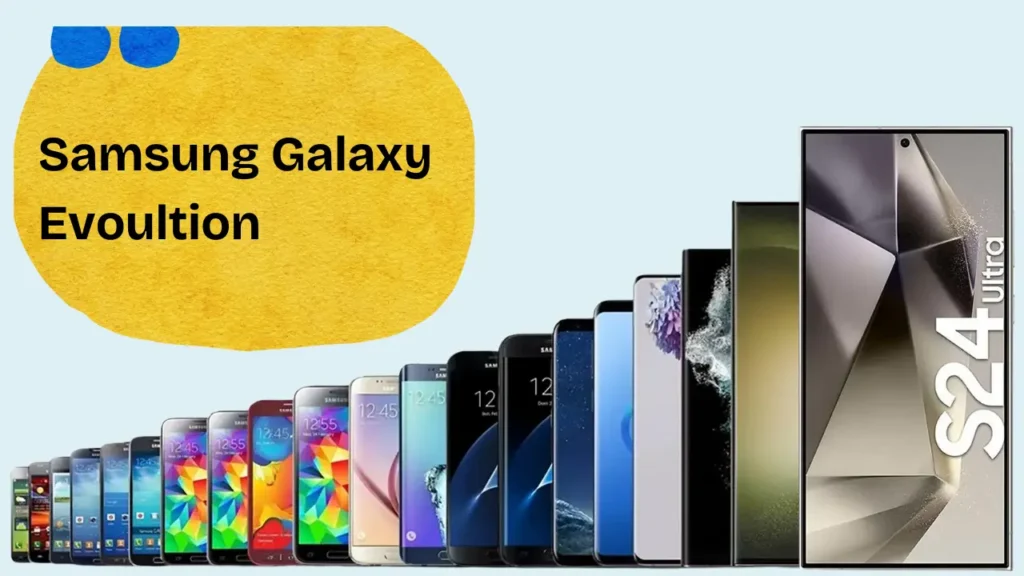
Samsung has committed to providing the One UI 7 update to a broad spectrum of devices across various series. Below is a categorized list of eligible devices:
Galaxy S Series
- Galaxy S24 Ultra
- Galaxy S24+
- Galaxy S24
- Galaxy S24 FE
- Galaxy S23 Ultra
- Galaxy S23+
- Galaxy S23
- Galaxy S23 FE
- Galaxy S22 Ultra
- Galaxy S22+
- Galaxy S22
- Galaxy S21 Ultra
- Galaxy S21+
- Galaxy S21
- Galaxy S21 FE
Galaxy Z Series
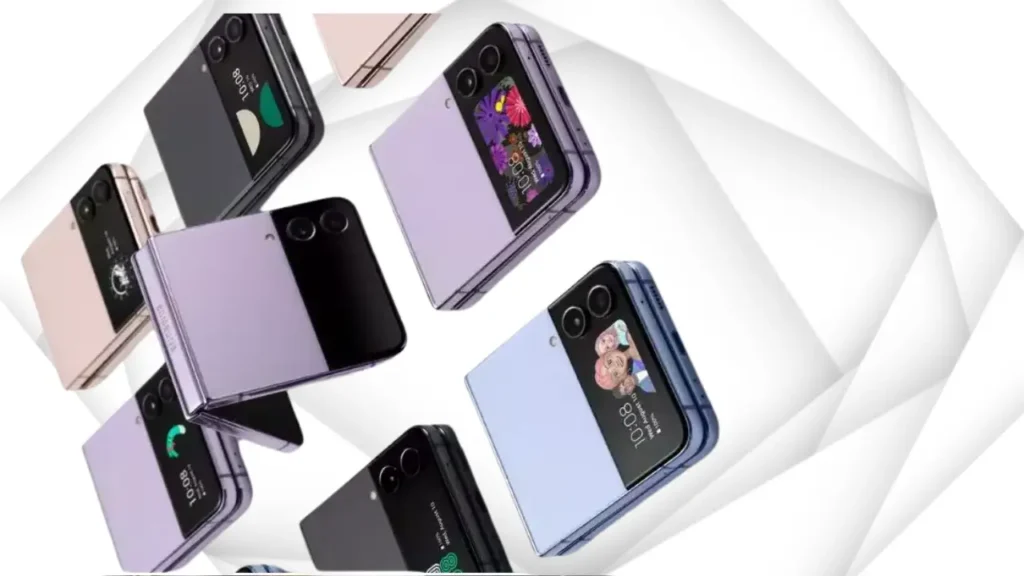
- Galaxy Z Fold 6
- Galaxy Z Flip 6
- Galaxy Z Fold 5
- Galaxy Z Flip 5
- Galaxy Z Fold 4
- Galaxy Z Flip 4
- Galaxy Z Fold 3
- Galaxy Z Flip 3
Galaxy A Series
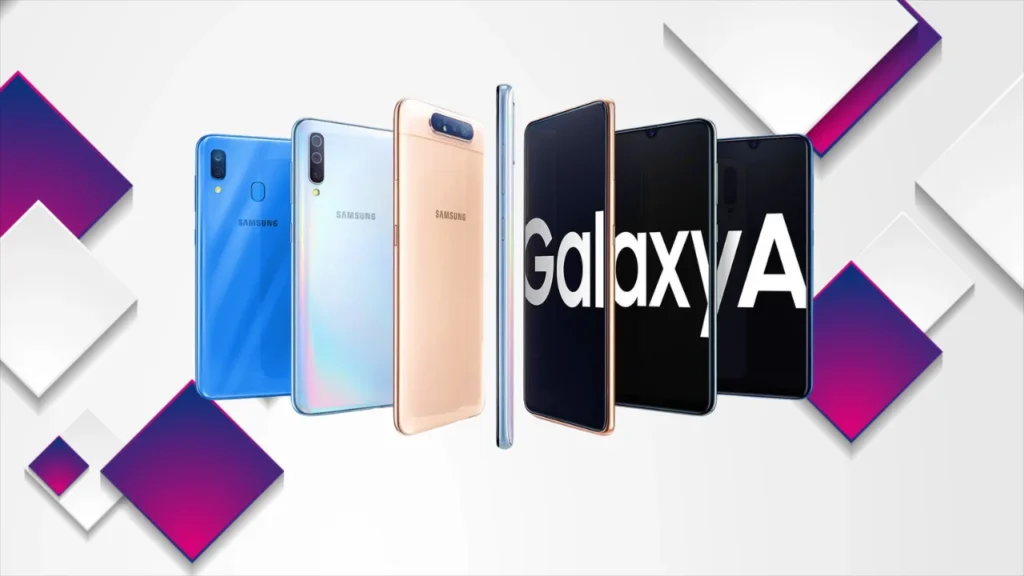
- Galaxy A73
- Galaxy A55
- Galaxy A54
- Galaxy A53
- Galaxy A35
- Galaxy A34
- Galaxy A33
- Galaxy A25
- Galaxy A24
- Galaxy A23
- Galaxy A16
- Galaxy A15
- Galaxy A14
- Galaxy A06
- Galaxy A05
- Galaxy A05s
Galaxy M Series
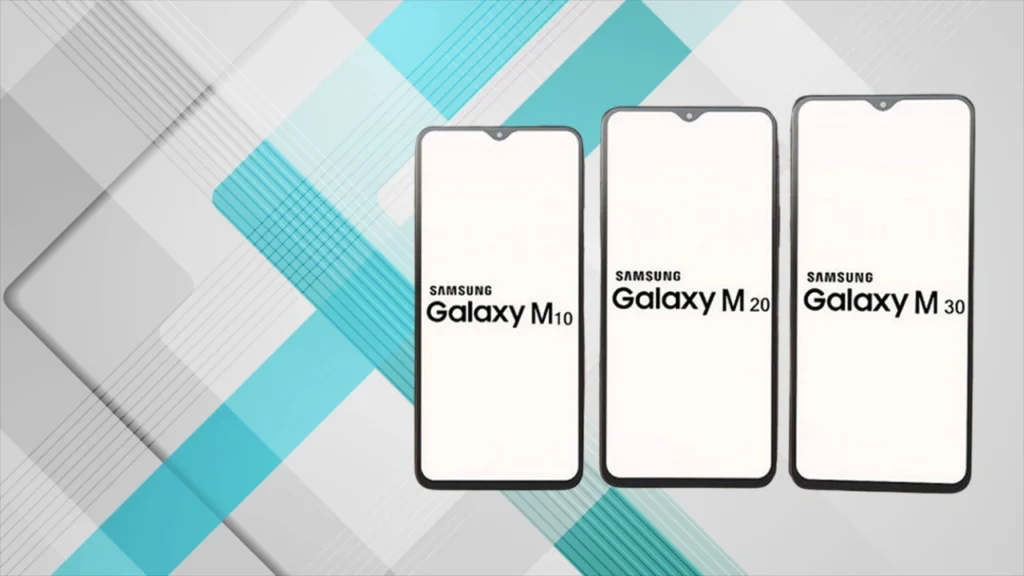
- Galaxy M55
- Galaxy M55s
- Galaxy M54
- Galaxy M53
- Galaxy M35
- Galaxy M34
- Galaxy M33
- Galaxy M15
- Galaxy M14
- Galaxy M05
Galaxy F Series
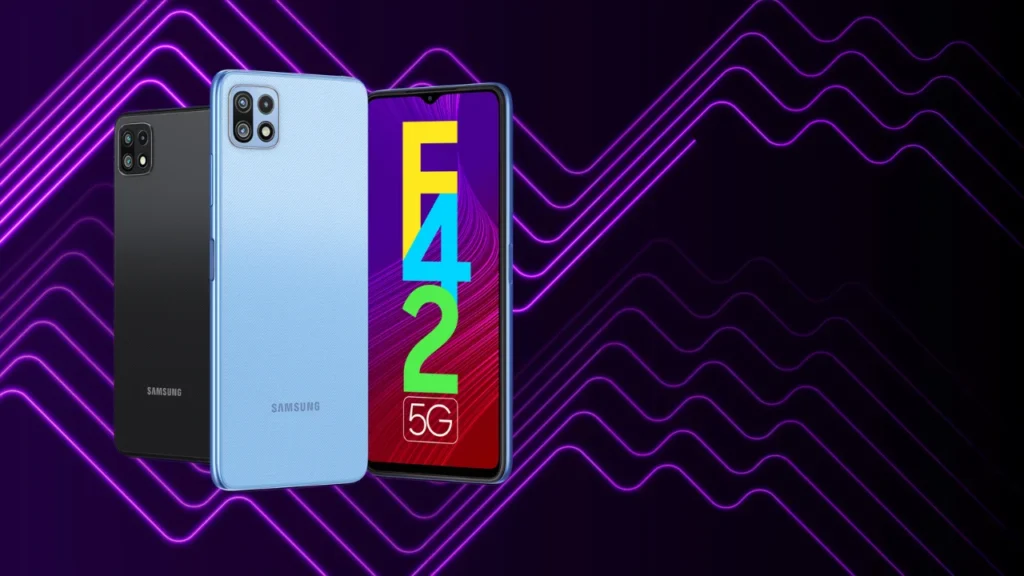
- Galaxy F55
- Galaxy F54
- Galaxy F34
- Galaxy F15
- Galaxy F14
- Galaxy F05
Galaxy Tab Series
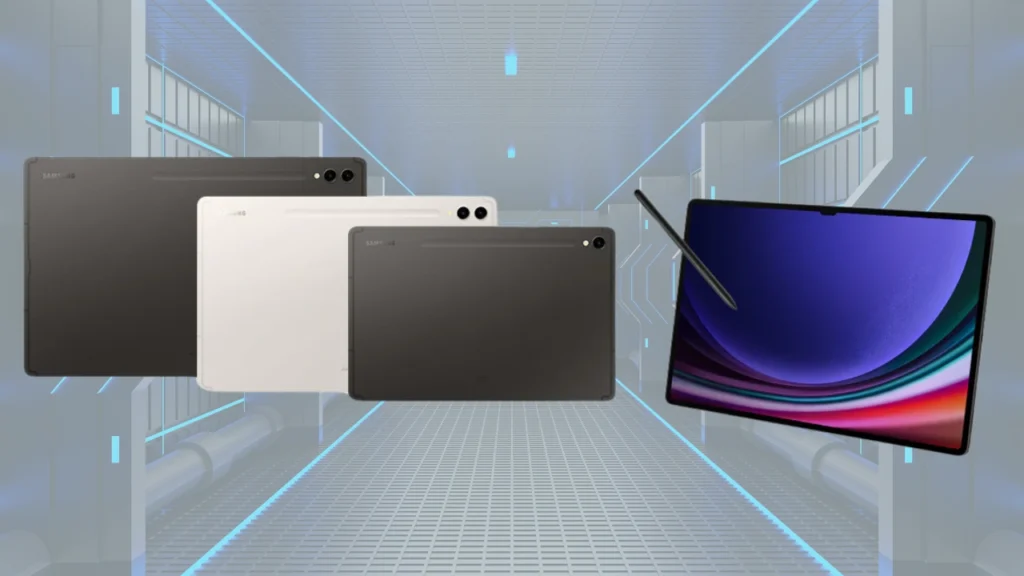
- Galaxy Tab S10 Ultra
- Galaxy Tab S10+
- Galaxy Tab S9 Ultra
- Galaxy Tab S9+
- Galaxy Tab S9
- Galaxy Tab S9 FE+
- Galaxy Tab S9 FE
- Galaxy Tab S8 Ultra
- Galaxy Tab S8+
- Galaxy Tab S8
- Galaxy Tab S6 Lite (2024)
- Galaxy Tab A9+
- Galaxy Tab A9
- Galaxy Tab Active 5
- Galaxy Tab Active 4 Pro
It’s important to note that the rollout schedule for One UI 7 may vary based on device model, region, and carrier. Samsung typically prioritizes its flagship models for updates, followed by mid-range and entry-level devices. Users are encouraged to regularly check for software updates by navigating to Settings > Software Update > Download and Install on their devices.
Conclusion
Samsung’s One UI 7 update is set to enhance the user experience with a host of new features and optimizations. With improved performance, better privacy controls, and a refined user interface, Samsung users can expect a smoother and more secure mobile experience.
The update rollout may take time depending on your device model and region. If your device is eligible for the update, make sure to keep your phone updated by checking for software updates regularly.
If you think we missed any device from the list, feel free to mention it in the comments with a reliable source. Stay tuned for more updates on One UI 7, and don’t forget to check ProInfoDesk for the latest tech news and guides!