

Airport counters don’t care that your agent said, “Visa done hai.” They only care what Saudi Arabia’s system shows for your umrah visa status. That’s why an umrah visa check should be a normal part of your planning, not a last-minute panic.
This guide helps Pakistani pilgrims confirm an Umrah visa is real, approved, and ready to use. Status can change after submission, after payment, or after a correction. A quick online check can prevent stress at the airport, agent mix-ups, and scams.
You’ll use official Saudi portals, and you’ll keep a few details ready so the check works on the first try.
Get your details ready first, so your Umrah visa check works on the first try
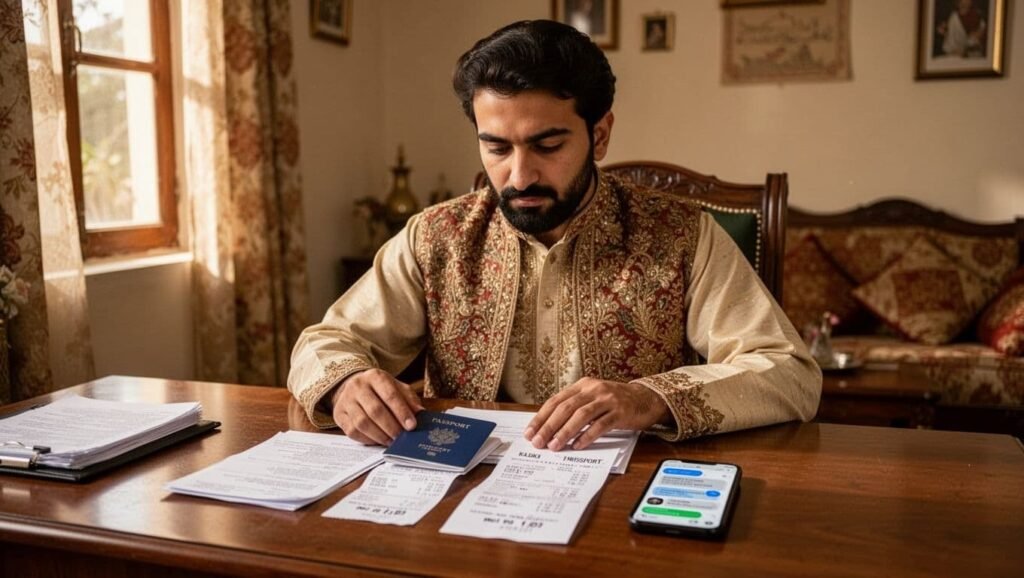
Most Pakistani pilgrims apply through an agent, so the first step is simple: ask for the same reference details the agent used. If an agent can’t share them, treat that as a warning sign.
Collect these items from your application record (PDF, email, payment receipt, or a WhatsApp screenshot from your agent):
- Passport number: The passport you’ll travel on. This is the anchor for most checks.
- Order ID / Order number: A reference created when the application is submitted or paid. Many portals use it to pull your file.
- Application number: Another tracking reference tied to your submission. Some systems call it “application ID.”
- Visa number (or visa document number): Usually appears after approval. This helps with printing and verification.
Also keep your first name, date of birth, and nationality (Pakistan) handy, because some pages ask for them.
If your agent only sends a blurry “visa picture,” but no order ID or application number, pause and verify before paying more.
The numbers you may need: passport number, order number, application number, and visa number
These terms get mixed up a lot, even by agents. Here’s the plain meaning:
Passport number is your travel document ID. Use the same passport that was entered in the application.
Order number (Order ID) usually links to your payment and submission. Many travelers do an umrah visa check by passport number plus order ID.
Application number is a submission reference. It can exist even before approval.
Visa number appears when the visa is issued. You often need it to print or confirm the final eVisa.
Small typing mistakes cause most “no record” results. Watch for these common errors: mixing 0 and O, adding extra spaces, skipping a digit, or using the wrong passport number (old passport, renewed passport, or a family member’s number copied by mistake).
When to check your Umrah visa status online and how often to re-check
Timing matters because systems don’t always update the same minute your agent submits.
A practical routine works well:
First, check 24 to 48 hours after submission if nothing shows right away. Next, check again as soon as your agent says it’s approved, because you want the visa number and the final PDF. Finally, re-check 24 to 72 hours before travel. That last check catches issues like corrections, cancellations, or a document that never issued properly.
Even if everything looks fine, a final umrah visa online check is like checking your boarding pass the night before. It costs little and can save your trip.
How to Check Umrah Visa Status Online Using Official Saudi Sites (Step by Step)
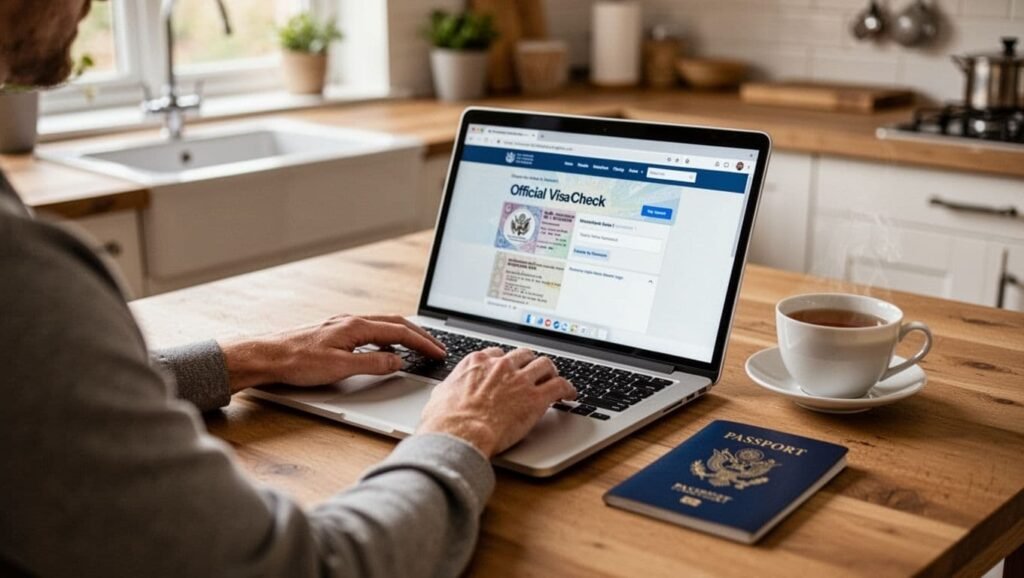
For most Umrah travelers in February 2026 to Makkah and Madina, the official place to check and manage an Umrah eVisa is the Saudi eVisa portal at visa.visitsaudi.com. However, some agents file through other official government workflows, such as mutamer package inquiry, depending on visa type and traveler profile. So, match the portal to the references your agent gave you.
Keep one rule: only use official websites of Saudi government domains, like those of the Ministry of Hajj and Ministry of Foreign Affairs. Fake “visa status” pages often look real, then ask for payment or personal data.
MOFA visa inquiry (mofa.gov.sa eServices): a common check when you have a visa document number
If your agent gives you a visa document number or tells you the visa is “on MOFA,” use the mofa website that provides visa inquiry and printing options for issued visas.
General flow (labels can vary slightly on the page):
- Open MOFA eServices and go to Visa Services.
- Choose an inquiry option (often by visa number or application reference).
- Enter the requested details (commonly visa number plus another reference like an order number or passport number).
- Enter the captcha code, then click the search button.
Status wording varies, but it often maps to these visa issuance status meanings:
- Approved / Issued: Move to downloading and printing the eVisa proof.
- Pending / Under process: Wait, then check again later, don’t book non-refundable add-ons yet.
- Rejected: Ask your agent for the rejection reason, then correct and re-apply if possible.
If your agent can’t explain what reference to use, ask them to send a clear screenshot of the application references, not just a message saying “done.”
KSA Visa portal (ksavisa.sa): a backup for visa tracking when systems are busy
Some visas are tracked on ksavisa.sa under an application tracking option. This can help when another portal loads slowly, or when your application was created in that system.
Typical steps:
- Open ksavisa.sa and select Track Application (wording can differ).
- Enter your reference shown on the receipt.
- Add your passport number and any required personal detail.
- Submit to view the latest status.
Use this approach only when your reference numbers match that platform. If you keep trying random portals, you’ll see “no record found” and assume the visa is fake, even when it isn’t.
Verify your Umrah eVisa is real, then save proof for travel day
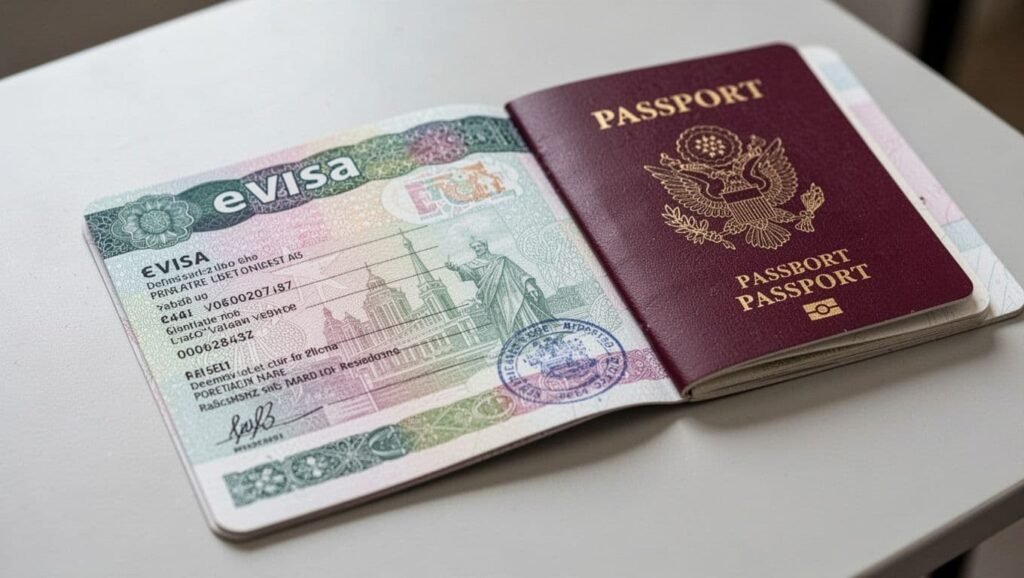
A umrah visa status screen helps, but the document matters more. For many travelers, the visa is electronic and linked to the passport, rather than a stamped physical label. Still, airlines often ask for a copy, and having it ready prevents delays at check-in.
Save your proof in three places: your phone, your email, and one printed page in your hand-carry.
Download and print your eVisa from the official portal (Print eVisa)
If you applied through visa.visitsaudi.com, log in and download the approved eVisa PDF from your account or the approval email. If your visa was issued through MOFA eServices, use the print umrah visa option there with the references your agent provided.
Once you get the PDF:
Keep one copy in your phone files for offline access. Email it to yourself so you can re-download it anywhere. Print at least one copy, and keep it with your passport.
This small habit saves time when a counter staff member asks for “visa copy” and the network is slow.
Quick accuracy check: name spelling, passport number, visa validity, and entry details
Before you travel, do a fast umrah visa verification using the visa document:
- Full name: Must match your passport spelling and order, including middle names if shown.
- Passport number: One wrong digit can block boarding.
- Date of birth and nationality: Confirm they match your passport bio page.
- Validity dates: Check the “valid from” and “valid until” dates.
- Visa type and entries: Make sure it fits your travel plan.
If anything is wrong, contact your agent immediately and ask for a correction through the same official system. Don’t travel hoping staff will “adjust it at the airport.” They won’t.
Fix common Umrah visa check problems and avoid scams in Pakistan
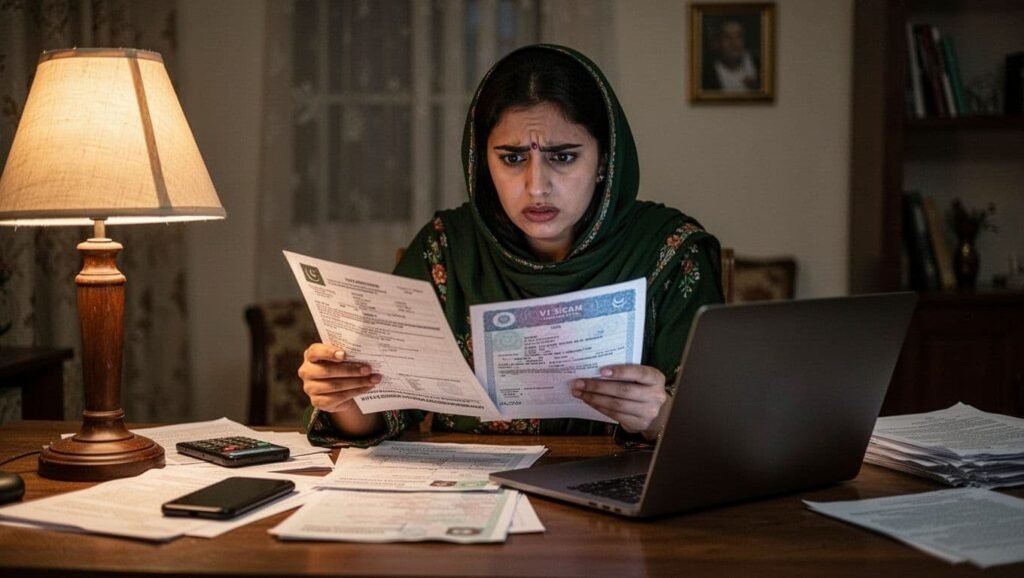
When a check fails, it doesn’t always mean the visa is fake. It often means the wrong reference was used, the system hasn’t updated yet, or the site is under heavy traffic.
At the same time, Pakistan has real Umrah fraud cases targeting pilgrims, especially through “too cheap” offers shared on social media. Your goal is simple: trust official portals and written proof.
If the site shows “no data found,” captcha errors, or pages won’t load
Try these fixes in order:
- Wait 24 to 48 hours after submission, then re-check.
- Re-type numbers carefully, and remove extra spaces.
- Refresh the image code, and try a different browser.
- Turn on cookies and JavaScript, because some portals need them.
- Switch networks (Wi-Fi to mobile data), then try again.
- If one portal is slow, try the MOFA website that matches your reference type.
Heavy traffic can cause temporary errors, especially close to peak travel weeks. Re-check later rather than paying someone to “fix” a problem that isn’t real.
Red flags of fake Umrah visas and what to ask your agent for
Watch for these warning signs:
- The “status” only appears on a random website, not an official website.
- The agent refuses to share order ID or visa number.
- You receive a blurry PDF or screenshot with mismatched passport details.
- You’re pushed to pay fast, with threats that “price will double tonight.”
- Names, passport number, or dates don’t match your passport exactly.
Ask your agent for (1) the official reference numbers and package details, (2) the final eVisa PDF, and (3) a clear payment receipt. Also keep the agency’s office details and license information for your own record.
Conclusion
A safe routine is simple: collect your details, track application by running an umrah visa check on the official portal that matches your application, and use a backup portal only when the reference fits. After approval, download the eVisa, verify every key field, then save it in your phone, email, and a printed copy. Finally, re-check your umrah visa status a day or two before departure. If any detail doesn’t match your passport, act the same day and get it corrected before you travel to Saudi Arabia.