
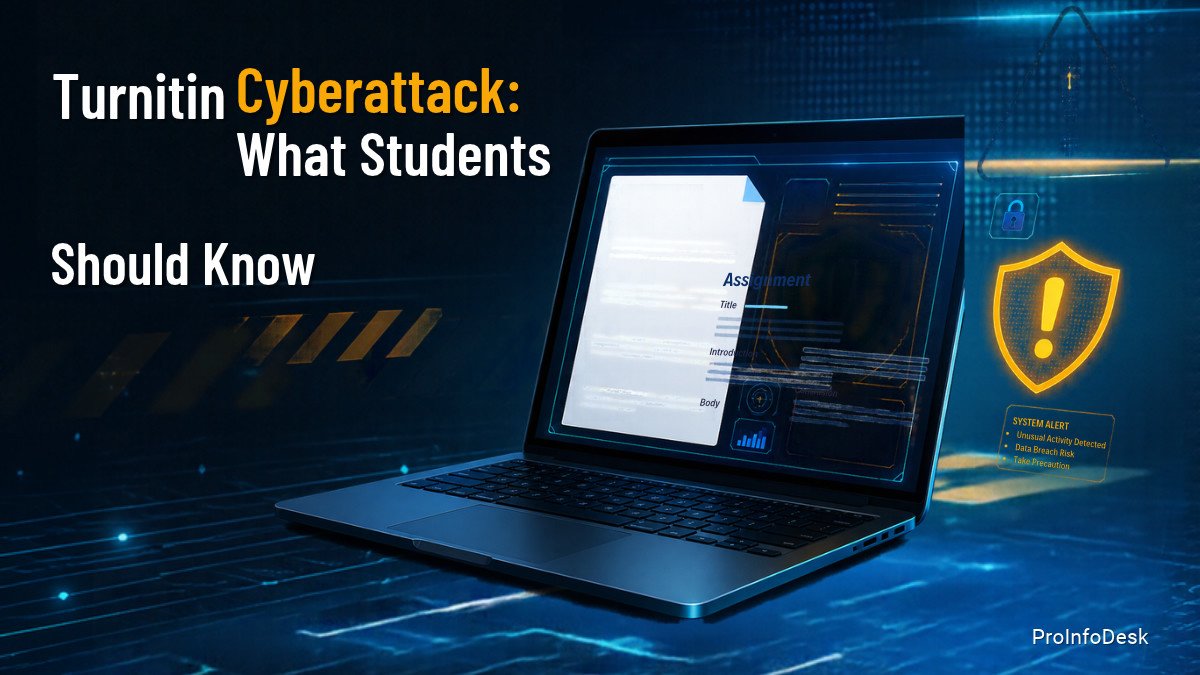
Turnitin, the plagiarism and AI-writing checker used by universities and schools around the world, says it has found “unauthorized activity” on some of its customer-facing systems. If you submit assignments through Turnitin, here is what is confirmed, what is not, and what you can do today.
What Turnitin has confirmed
In a letter to customers dated November 23, 2026, CEO Chris Caren said the company:
- identified unauthorized activity involving “certain customer-facing Turnitin systems”
- started its incident response plan and an investigation with external cybersecurity specialists
- notified law enforcement and cyber regulators
- is monitoring those systems for further unauthorized activity
Turnitin also says its systems are fully operational and safe to use, and that the affected customer-facing systems do not collect government ID credentials or institutional financial information.
What we still do not know
The letter does not say which systems were involved, whether any data was taken, or how many schools or students might be affected. As SecurityWeek reports, Turnitin’s customer-facing tools include the student submission portal, the instructor grading interface, integration APIs for institutions and reporting dashboards, but the company has not said which, if any, were breached.
Some universities are checking their own exposure. The University of Colorado Boulder’s IT office said it had no indication that student or instructor information or assignments were exposed, and added extra monitoring on its Canvas integration.
Until Turnitin publishes more, treat any claim that “all student essays were leaked” as rumour.
What students should do now
- Keep submitting as normal unless your school tells you otherwise. Turnitin says the service is safe to use.
- Watch for phishing. Scammers often use breach news to send fake “Turnitin account verification” or “your submission was flagged” emails. Do not click links in unexpected messages; go to your course page or learning platform directly.
- Check your password habits. If you have a separate Turnitin login and you reused that password elsewhere, change it on the other sites first. Our guide to securing your Gmail account walks through the basics.
- Turn on two-factor authentication for your university account and email, or use passkeys where your school supports them.
- Follow official updates from your university IT office and Turnitin’s help center, not screenshots on social media.
What instructors and admins can do
- Check for messages from your institution’s IT or security team about Turnitin.
- Review integration keys between Turnitin and your learning platform. Turnitin’s help center explains how to rotate integration keys for Turnitin Integrity accounts.
- Warn students about phishing linked to the incident, especially during exam and submission season.
Should students worry about their essays?
Right now there is no public evidence that student work was exposed. Turnitin’s investigation is ongoing and the company says it will share more “as circumstances warrant.” We will update this article if Turnitin confirms what data, if any, was accessed.
If you are studying abroad or applying for funding, you may also want to read our tips on avoiding fake offers in how to make money as a student (and scams to avoid).